Varsity Stack has a new tab called Discover. It's where you look things up, from any supplement to the certified products that go with it.
Your Stack tab is now just your stack. Everything you might add lives in Discover.
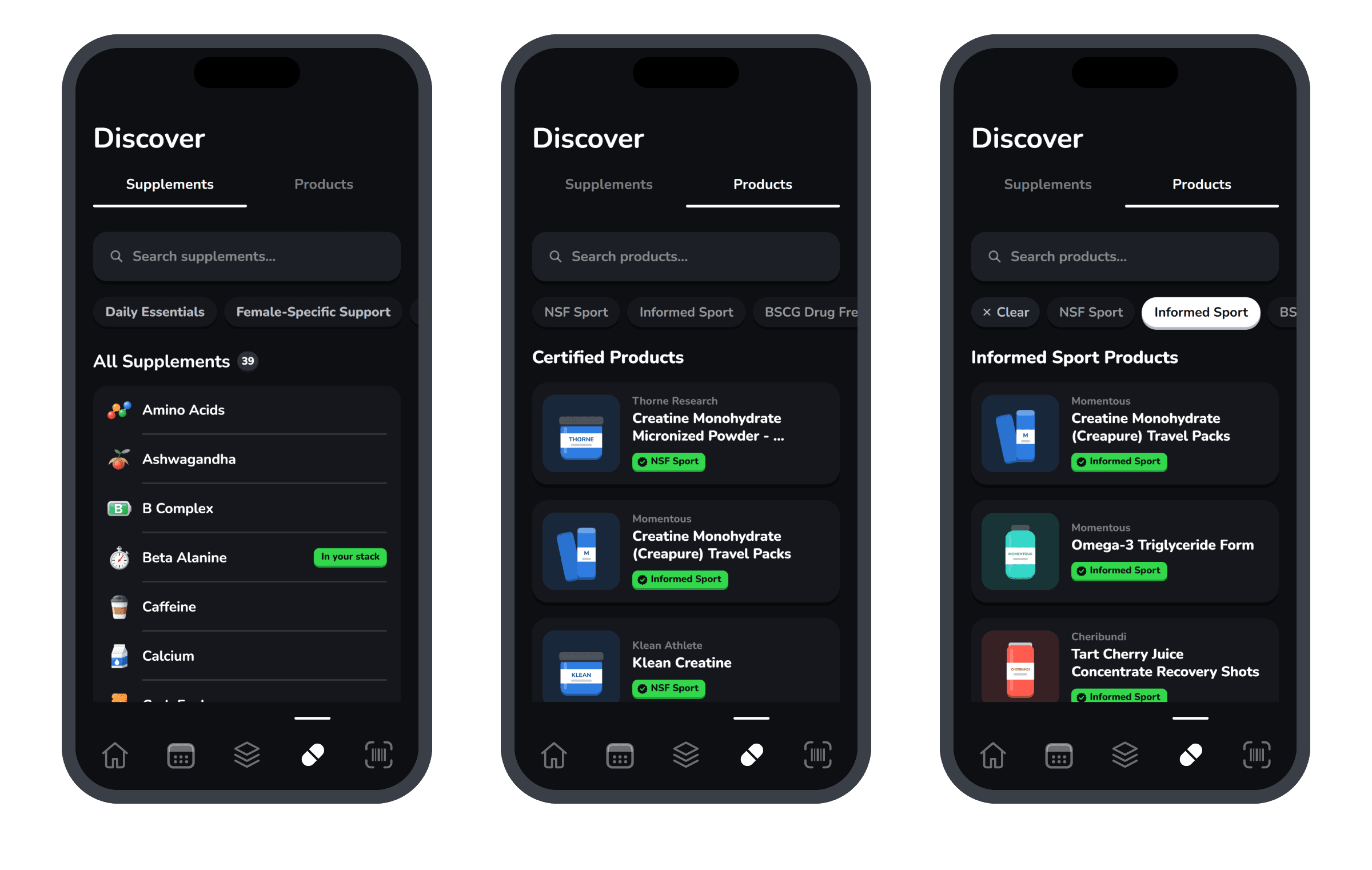
Supplements
Look up any supplement, from creatine to tart cherry. See how strong the evidence is, why it could help you, and what it does. Anything already on your stack says In your stack.
Products
Search certified products by brand or name. Tap a program, like NSF Sport or Informed Sport, to see only the products it certifies. Every product shows its certification up front.
We don't lab test products ourselves. The badge comes from the certifying program's own records.
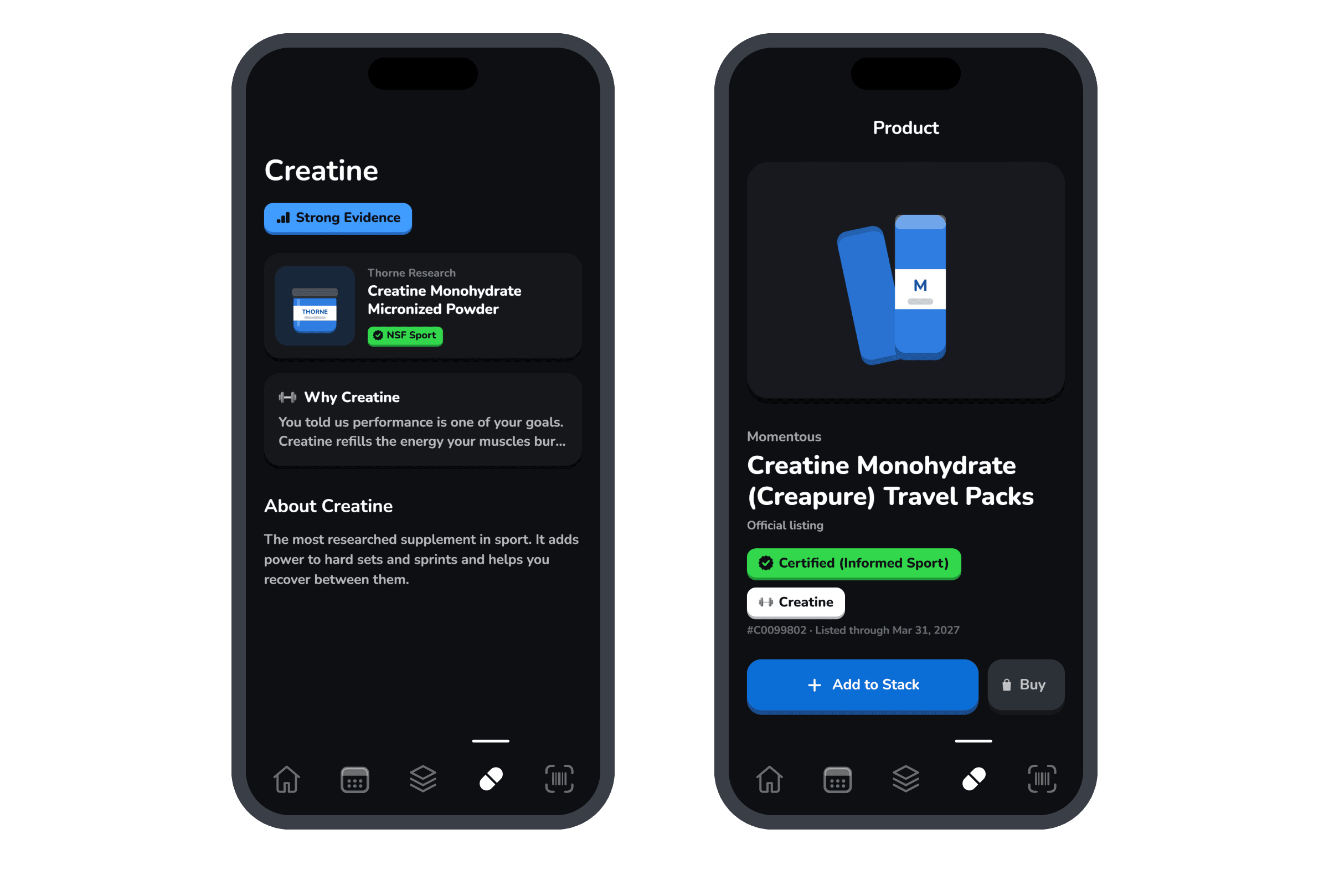
Add something in three taps3 sources
- Tap Discover at the bottom of the screen.
- Tap Products and search for what you take.
- Open it and tap Add to Stack.
Also moved: Settings now lives in your profile. Tap your circle at the top of Home, then the gear.