What's New
You can now log your stack with Siri, or right from your lock screen. No need to open the app.
You just took your creatine. Your hands are full and your phone is in your bag. Logging should be the easy part.
Just say it
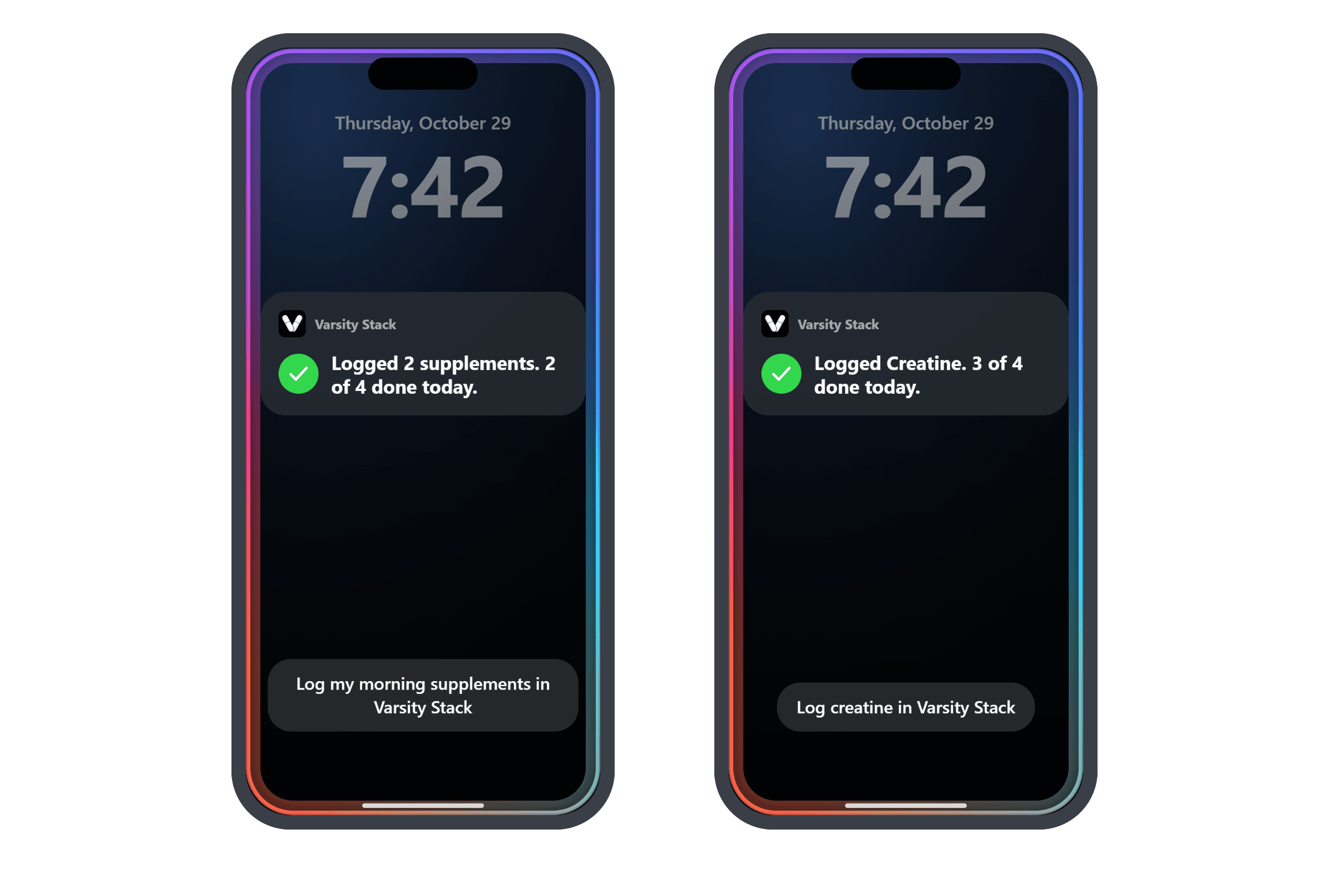
Tell Siri what you took. Try one of these:
- "Log my stack in Varsity Stack"
- "Log my morning supplements in Varsity Stack"
- "Log creatine in Varsity Stack"
Siri checks it off and tells you how much of today is done. It works for your whole stack, one time of day, or a single product.
Log it from your lock screen
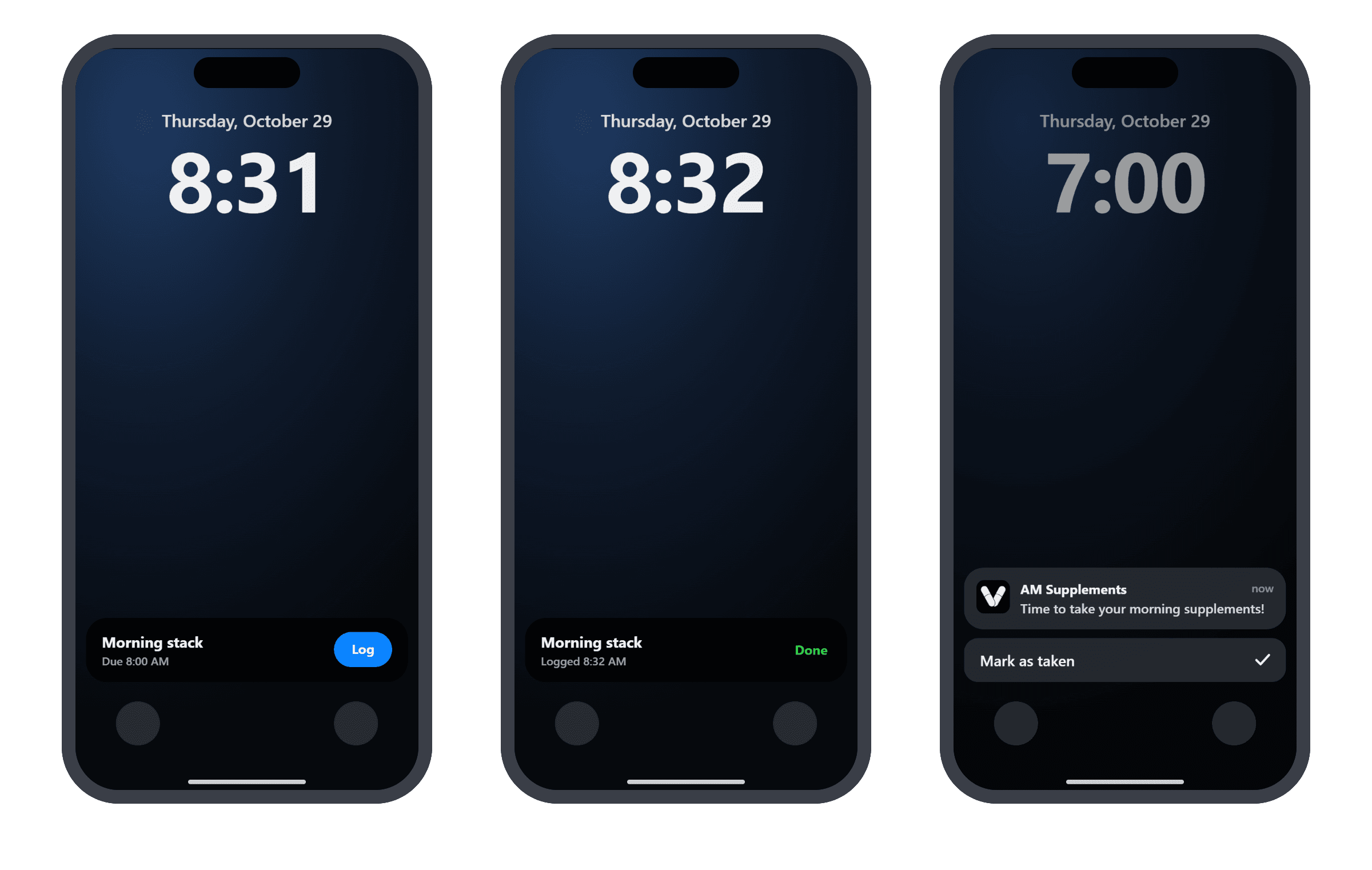
Busy morning? If a dose is due and you haven't logged it yet, a card shows up on your lock screen with a Log button. Tap it and the card turns to Done. Your streak stays safe.
Your reminders have a button too. Press and hold one and tap Mark as taken.
No signal at the gym? Your check-off is saved and syncs the next time you open the app.